Need a Mac with Apple silicon for just a few days? We got you! No commitment, no automatic renewal, available right after checkout.
Powered by Apple silicon.
Thanks to our bespoke hardware management modules, we offer a unique Mac Hosting experience - unmatched by the competition.
Your Mac is ready to go and will be assigned to your account within minutes after checkout. No waiting around for someone to manually provision the device for you.
Full control over your Mac. Reboot, power on, and Recovery Mode access are readily available on our Customer Panel. And yes, we support FileVault.
Security is important. Our managed firewall allows you to quickly apply filter rules for your Mac using our Customer Panel.
Enroll your Mac in your automation pipeline using our customer API. Set firewall rules and manage the power state of your Mac in your existing workflow.
With our OakHost Agent, you can easily set up email alerts to get notified about performance issues or approaching disk limits, allowing you to catch potential issues before they impact your work.
No shared resources, period. Your Mac is assigned to you, and only you. This enables additional privacy and ensures your system resources are always available.
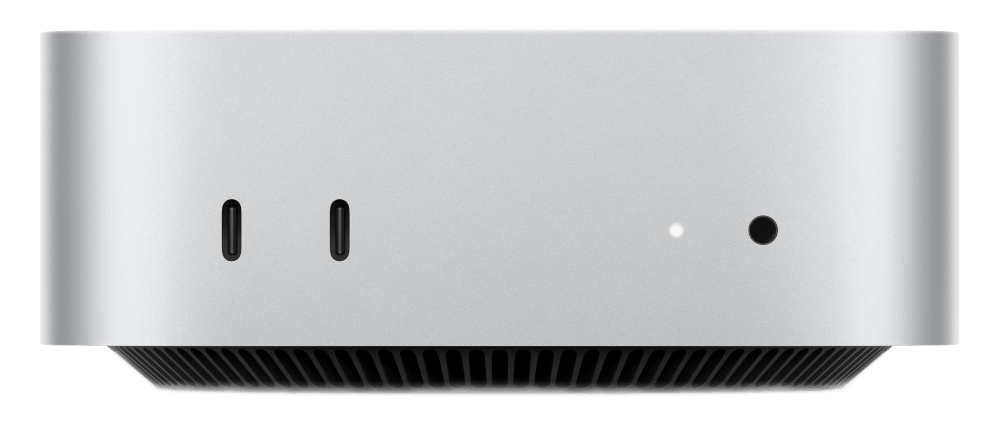
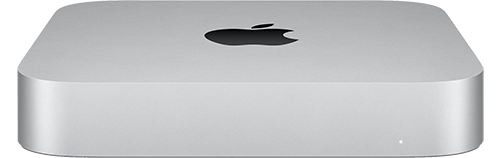
For the entire week, you will get access to a dedicated Mac mini just for you.
Our monthly plans allow you to pick the exact configuration you need, and can be cancelled at any time.
If your project has intricate requirements and necessitates a custom quote, or if you have inquiries about our services, our knowledgeable team is eager to connect with you.
We're excited to announce that OakHost Monitoring now supports advanced system monitoring through the new OakHost Agent. This allows you to monitor CPU usage, memory consumption, and disk space directly.
OakHost, a leading provider of cloud-hosted Mac mini solutions, today announced the release of its new M4 Mac mini lineup, delivering cutting-edge performance and unrivaled remote management capabilities.
Learn how to restore your Mac from a Time Machine backup. This guide covers the steps to restore your Mac from a Time Machine backup, and how to set up...